UX and UI get thrown around like they mean the same thing, but they're two different jobs that happen to sit side by side. Here's what each one really means, and why your website needs both pulling in the same direction.
Key takeaways
- UX (user experience) is about how a site works — the structure, flow and journey that gets someone from landing to done.
- UI (user interface) is about how a site looks and responds — buttons, colours, typography and the bits people tap and click.
- UX usually comes first: map the journey, then dress it in visuals. The two overlap but aren't interchangeable.
- A site can look gorgeous and still be painful to use — good UI can't rescue broken UX, and vice versa.
- For a small business, getting both right is what turns a nice-looking site into one that actually brings in enquiries.
You've probably heard people talk about UX and UI, maybe met a designer who swears they do one, the other, or both. And you might be quietly wondering whether they're just buzzwords invented to sound clever. They're not. They describe two real, distinct parts of building anything people use — and once you can tell them apart, a lot about good web design starts to make sense.
The short version: UX design stands for "user experience design," and UI design is short for "user interface design." Both have been practised for decades, long before they became job-ad staples. And while each has its own focus, they're both essential to a website that people actually enjoy using.
What is UX (user experience) design?
Don Norman, the cognitive scientist credited with coining the term "user experience" in the 1990s, described it as covering "all aspects of the end-user's interaction with the company, its services and its products." In other words, UX isn't just about screens — it's every touchpoint someone has with a business.
Stripped right back, UX is the human side of using something. It focuses on people's behaviours, needs, habits and emotions. When you apply that to a website, you're asking questions like: Can someone tell what this business does within a few seconds? Can they find what they came for? Is getting in touch or buying something easy, or a hassle?
Good UX design is the process of shaping and improving how it feels to interact with a business — so the experience is easy, clear and even enjoyable, rather than confusing or frustrating.
UX goes well beyond looks. It's about combining the right elements so a visitor moves through your site smoothly and comfortably, and comes away feeling like the whole thing just made sense.
What is UI (user interface) design?
UI design is the more visual of the two. A user interface is the point where a person meets a digital product — your phone's touchscreen, an app's menus, a website's buttons and forms. UI design is the craft of shaping all of that so it's clear, attractive and easy to operate.
A UI designer sweats the details you interact with directly: the buttons, icons and menus, the typography, the layout, the colour scheme. Their job is to arrange those elements so using the site takes as little effort and second-guessing as possible. When a UI is done well, you barely notice it — everything is just where you expect it to be.
It's worth noting how far UI has stretched over the years. It started with computer screens, but now covers mobile apps, wearables, smart-home gadgets and more. On a website, it's everything from how a button changes when you hover over it to how readable your text is on a phone.
So what's the actual difference?
People use "UX" and "UI" interchangeably all the time, but they're not synonyms. The easiest way to hold them apart:
- UX is the experience. It's rooted in behaviour and psychology, and it can apply to almost anything — a website, an app, even a coffee shop visit. It's about the journey and how it feels.
- UI is the interface. It's strictly digital — the visual, interactive layer people touch and see on a screen.
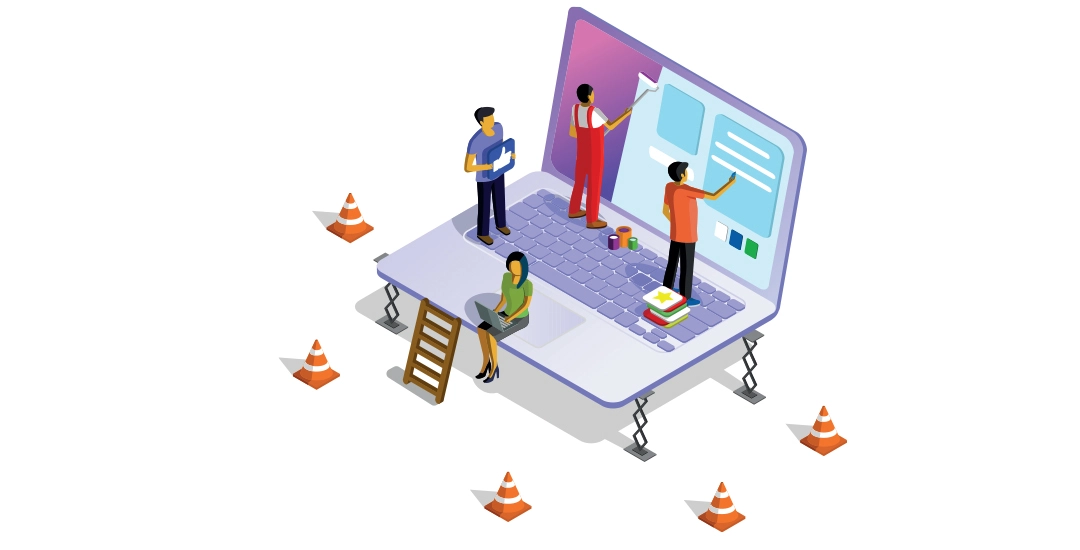
A handy analogy: think of UX as the layout and flow of a house — where the rooms sit, how you move between them, whether it feels welcoming. UI is the paint, the fittings, the door handles, the light switches. You need both to feel right before a house works as a home. Same with a website.
How UX and UI work together in web design
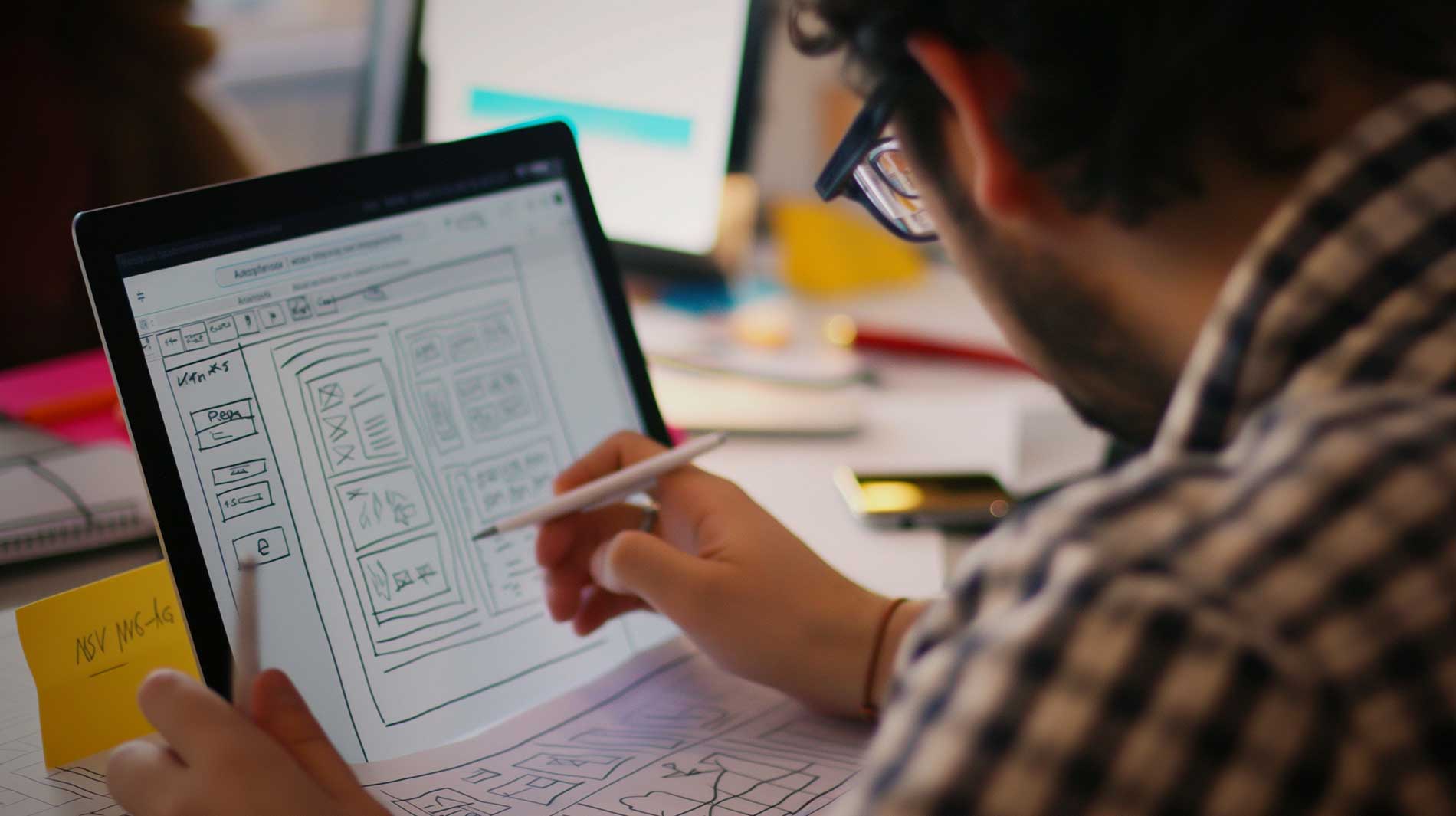
In practice, UX usually comes first. A designer starts by picturing the person who'll visit and mapping out the ideal path they'll take — the bare bones of the journey. Then UI steps in to flesh out those bones with visuals and interactions that guide people towards the goal, whether that's an enquiry, a booking or a sale.
When you bring UX thinking into web design, you're making sure every visitor has a relevant, meaningful experience the moment they land. From that angle, a lot of the work looks at things like:
- Design choices — photography, illustration and typography — that catch the eye and set the right mood.
- Visual flow across the page, including where you place calls to action.
- The fact that people scan web pages rather than read every word.
- Smart use of space, balance and contrast so nothing feels cramped or chaotic.
- Understanding who your customer actually is.
- Simplifying the journey so people can find what they need, or finish a task, without thinking too hard.
Here's why the pairing matters so much. Picture an online store with gorgeous typography, a slick layout and lovely buttons — great UI. But if the sections are a maze and the checkout keeps failing, visitors leave frustrated. That's poor UX, and no amount of polish will save it. Flip it around: a lightning-fast site with a rock-solid experience but jumbled, confusing visuals will lose people just as quickly. Get both right and they reinforce each other — the site looks trustworthy and feels effortless.
Warning signs your UX or UI needs work
You don't need to be a designer to spot when something's off. A few tell-tale signs point to a UX problem:
- Plenty of traffic but very few enquiries or sales — people arrive, then bail.
- Visitors leaving within a few seconds of landing.
- People not finishing what they started — the video half-watched, the article abandoned.
- Visitors viewing one page and leaving, without exploring anything else.
And a few that usually point to a UI problem:
- Confusing navigation, or buttons where it's not obvious what they'll do.
- Poor contrast or inconsistent styling that makes the page feel messy.
- Forms that are a chore to fill in.
- Pop-ups that are hard to close or feel designed to trick people.
- Comments from visitors who can't find something or work out how to do it.
Experienced designers know a genuinely good website needs both disciplines pulling together. Lean too hard on one and neglect the other, and you end up with a site that either looks the part but frustrates people, or works fine but fails to win them over. At Rent-a-Website we build with both in mind, so your visitors get an experience that looks good and feels easy — but wherever your site is built, these are the questions worth asking of it.
UX and UI design FAQs
Quick answers to the questions small business owners ask us most about UX and UI.
UX (user experience) design is about how a website feels to use — the structure, flow and journey that gets someone from landing to done. UI (user interface) design is about how it looks and responds — the buttons, colours, typography and layout people actually tap and click. UX plans the experience; UI brings it to life on screen.
UX usually comes first. A designer maps out who the user is and the ideal path through the site before any visual design begins. UI then gives that structure a look and feel — the colours, fonts, buttons and interactions that make it real.
Yes. A site can look beautiful but still be frustrating to use — confusing navigation, a checkout that fails, or forms that are a chore. Good visuals can't rescue a broken experience, which is why the two need to work together.
You don't need the jargon, but the ideas matter. If visitors can quickly understand what you do, find what they need and get in touch without friction, your UX and UI are doing their job. It's what turns a nice-looking site into one that brings in enquiries.